Safety teams
Observations, inspections, industrial hygiene, lockout/tagout, equipment, and compliance workflows.
Custom software development
Digital Buckeye creates web and mobile applications for specialized safety, compliance, education, and operational workflows that are difficult to manage with generic tools.
Discuss a software need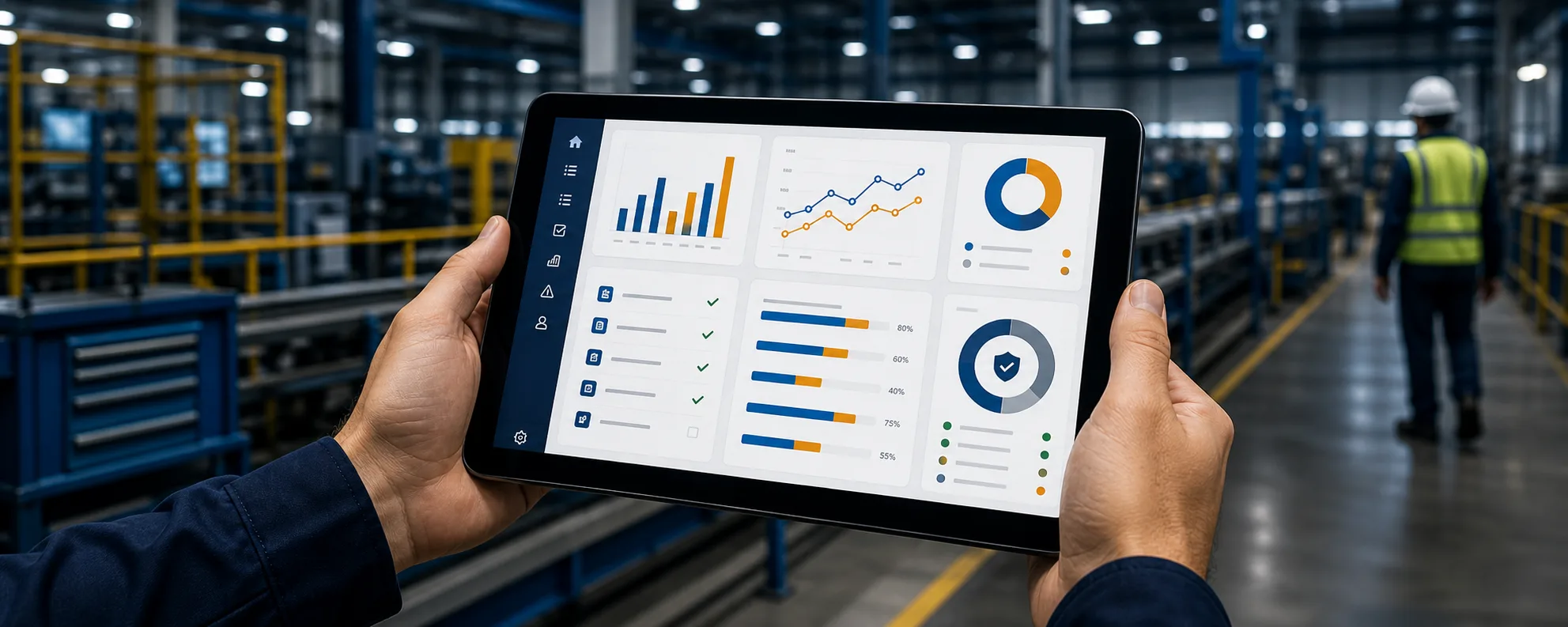
The problem
When the work is specialized, an off-the-shelf product can force teams into the wrong process or leave important context outside the system.
Custom development creates one place for the information, permissions, steps, and reporting the workflow actually requires.
Who it supports
Observations, inspections, industrial hygiene, lockout/tagout, equipment, and compliance workflows.
Role-aware processes, equipment context, field data, dashboards, exports, and reporting.
Interactive learning, educator support, and accessible information experiences for specialized audiences.
What we can create
Browser-based systems for forms, records, workflows, reporting, dashboards, and administration.
Responsive interfaces for collecting and reviewing information where the work happens.
Organization-scoped tools for governed forms, equipment context, permissions, reporting, and audit history.
Applications connecting learner experiences with educator or administrator support.
Supported example

Opsentra brings safety forms, field data, equipment QR workflows, reporting, permissions, and audit logs into one organization-scoped platform.
Explore OpsentraPractical value
Start with the need
Tell us how the work happens today, who is involved, and what information needs to move through the process.
Start a conversation